Social content approval
Get social posts approved before they go out
Upload the week’s post images and short videos to one project and send one link. Reviewers pin comments on the exact image or video frame, and the project status shows when the batch is approved.
Works with images (PNG, JPEG, WebP) and video · Free plan, no credit card
How it works
- 1
Upload the batch
Add post images, carousel slides and short videos to one project, one file each.
- 2
Collect comments
Reviewers click a spot on an image, or pause a video and click the frame. Video comments keep their timestamp.
- 3
Approve and schedule
Resolve each comment as you fix it, set the project to Approved, then schedule the posts in your usual tool.
Why teams use edits.io for social content approval
A week of posts, one link
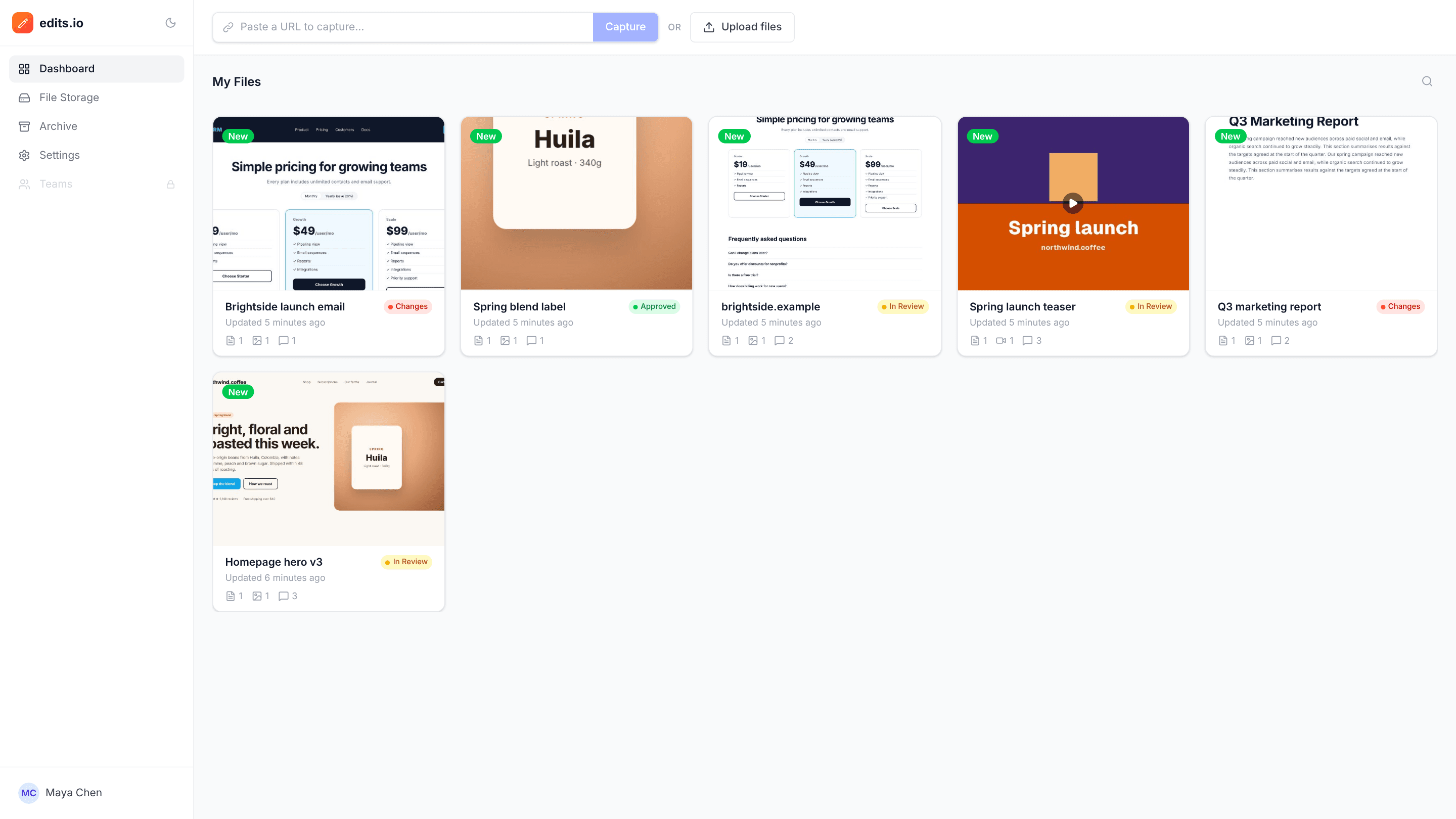
Every file in the batch sits in the project’s file list, each with its own comments.
Video notes at the right moment
A comment on a video records the timestamp and the spot on the frame; clicking it jumps the player there.
Status at a glance
In Review, Changes Requested and Approved show on your dashboard, so you know which batches are ready.
No account for clients
Clients and stakeholders comment under their name from the link.
Right size first
Check dimensions with our free social media image size guides, which include a crop-to-fit tool.
Everyone sees updates live
New comments and replies appear for everyone with the project open, without refreshing.
Frequently asked questions
Can I put images and videos in one project?+
Yes. Each file appears in the project’s file list with its own comments.
Can reviewers comment on captions?+
edits.io is for the visuals. A simple approach is to add each caption as the first comment on its image, so reviewers can reply to it in the same thread.
Does edits.io schedule or publish posts?+
No. It’s for review and approval. Once a batch is approved, schedule it in your usual social media tool.
Can reviewers comment without signing up?+
Yes. Share a link with comment access and they leave feedback as a guest under their name. No account, no download.
Is edits.io free?+
Yes. The free plan includes 3 GB of storage and 10 projects, with no credit card and no time limit. Pro is $19 a month and adds 250 GB of storage, unlimited projects and unlimited teammates.
Try it on your next review
Free for 10 projects and 3 GB of storage. Reviewers never need an account.
Create a free account