Client feedback for agencies, without the email chains
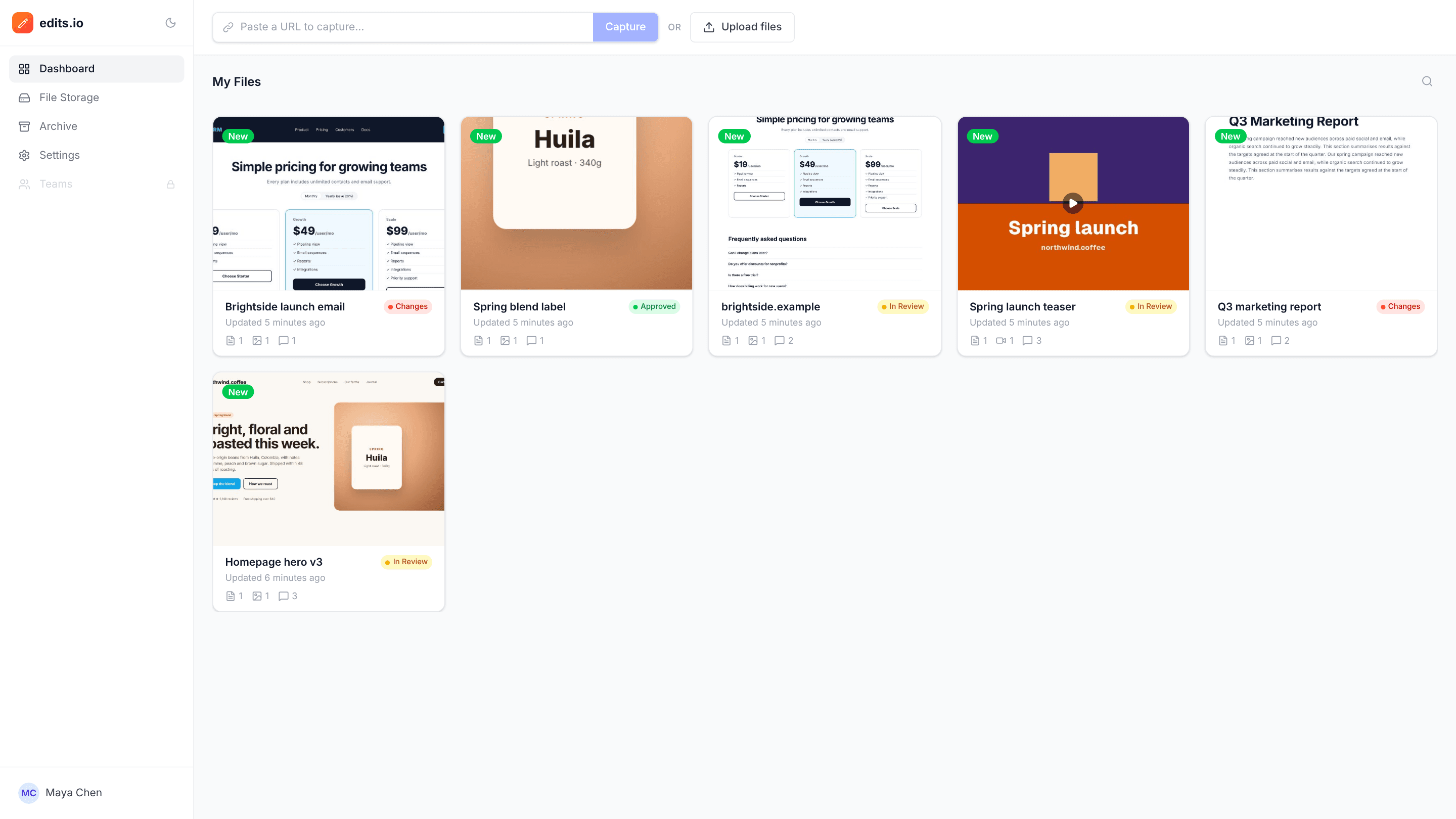
Send clients one link per project. They click on the work to leave feedback, your team replies in threads and resolves each point, and every project shows whether it’s in review, needs changes or is approved.
The problems it solves
Feedback arrives everywhere
Notes come back in emails, chat messages and annotated PDFs, and someone has to piece them together. With edits.io, every comment sits on the work itself.
Clients won’t create accounts
Asking a client to sign up for yet another tool slows everything down. edits.io reviewers just open the link and type their name.
“Which button did they mean?”
Vague feedback costs a round of revisions. A numbered pin on the exact spot removes the guesswork.
How it works
- 1
Upload the deliverables
Designs, videos, PDFs, or a capture of the staging site, grouped into one project per job.
- 2
Share one link
Choose view-only or comment access, or email the link with a note straight from the project.
- 3
Resolve and approve
Reply to and resolve each comment, then mark the project Approved when the client signs off.
Frequently asked questions
Do our clients need an edits.io account?+
No. Anyone with a comment link can leave feedback as a guest under their name.
How much does it cost for a whole agency team?+
Pro is $19 a month with unlimited teammates and projects and 250 GB of storage. The free plan covers 10 projects and 3 GB.
Can we keep a client’s files together?+
Yes. A project can hold many files of different types, each with its own comments.
Can we stop a client link from working?+
Yes. Set the project’s link access back to restricted and the link stops working.
Free templates and tools
Client feedback request email
Ask a client for clear, specific feedback by a deadline.
Final approval email
Get a clear, written sign-off before print, launch or delivery.
Feedback reminder email
Chase overdue client feedback without sounding pushy.
Annotate screenshot (free tool)
Paste a screenshot, point at the problem with arrows and pins, and save it.
Blur part of an image (free tool)
Pixelate or black out faces, emails and numbers before you share an image.
Try it on your next review
Free for 10 projects and 3 GB of storage. Reviewers never need an account.
Create a free account