Instagram square post size
1080 × 1080pixels · 1:1
Square posts are 1:1. Instagram’s Help Center keeps photos up to 1080 pixels wide at full resolution; its publishing API and Meta’s ad guide accept up to 1440 pixels wide. The profile grid now shows posts at 3:4, so square posts are cropped slightly at the sides there.
Checked November 14, 2026
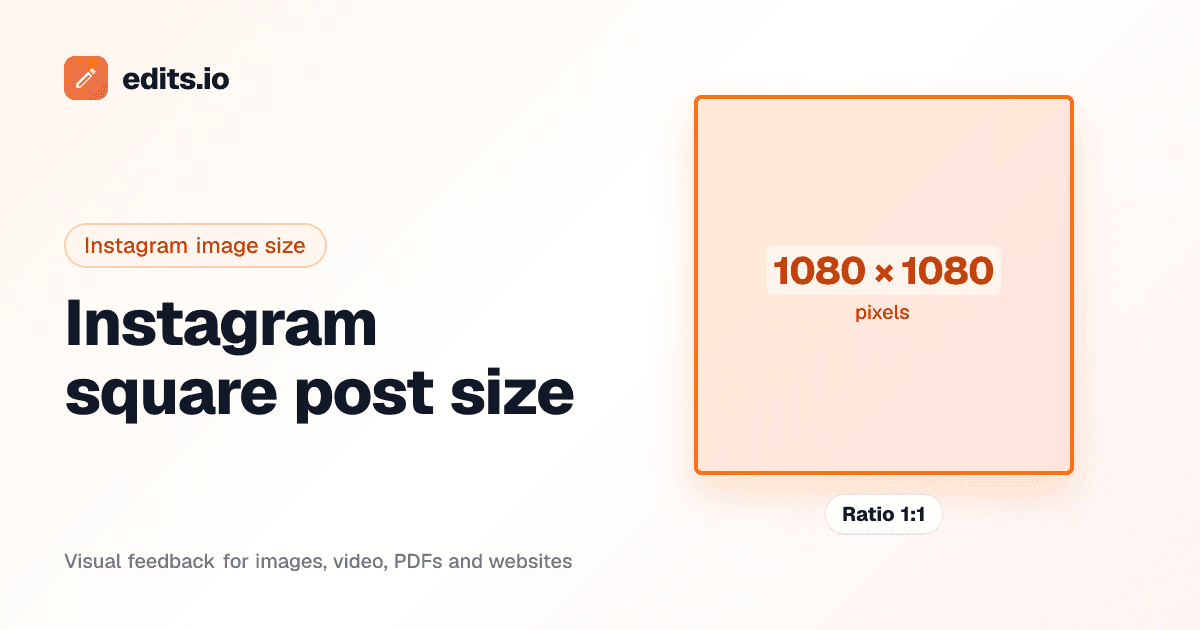
Crop your image to 1080 × 1080
Instagram square post specs
- Recommended size
- 1080 × 1080 px
- Aspect ratio
- 1:1
- Also used
- 1440 × 1440 px (1440 wide (Meta’s ad guide))
- Minimum size
- 320 px wide (narrower photos are enlarged to 320 px)
- Maximum file size
- Not stated for in-app posting. 8 MB via Content Publishing API (JPEG). 30 MB for feed ads.
- Formats
- JPEG (API), JPG, PNG (ads)
Sources
- officialfacebook.com/help/instagram/1631821640426723
- officialdevelopers.facebook.com/docs/instagram-platform/instagram-graph-api/reference/ig-user/media
- officialfacebook.com/business/ads-guide/update/image/instagram-feed
- secondaryblog.hootsuite.com/social-media-image-sizes-guide/
Platforms change these often. If something looks out of date, let us know at hello@edits.io.
Frequently asked questions
What size is a Instagram square post?+
1080 × 1080 pixels, an aspect ratio of 1:1. 1440 × 1440 (1440 wide (meta’s ad guide)) also works.
What is the maximum file size for a Instagram square post?+
Not stated for in-app posting. 8 MB via Content Publishing API (JPEG). 30 MB for feed ads.
How do I resize an image to 1080 × 1080?+
Drop your image into the tool on this page, drag and zoom to choose the crop, and download it at exactly 1080 × 1080. It runs in your browser, so the image isn’t uploaded.
Where do these numbers come from?+
From Instagram’s own documentation and widely used design guides. We checked them on November 14, 2026; the sources are listed on this page.
Getting sign-off on social graphics?
Share your designs with a link and let clients click exactly where they want changes. No account needed to comment.
See design feedback