Pitch deck review
Pitch deck feedback, slide by slide
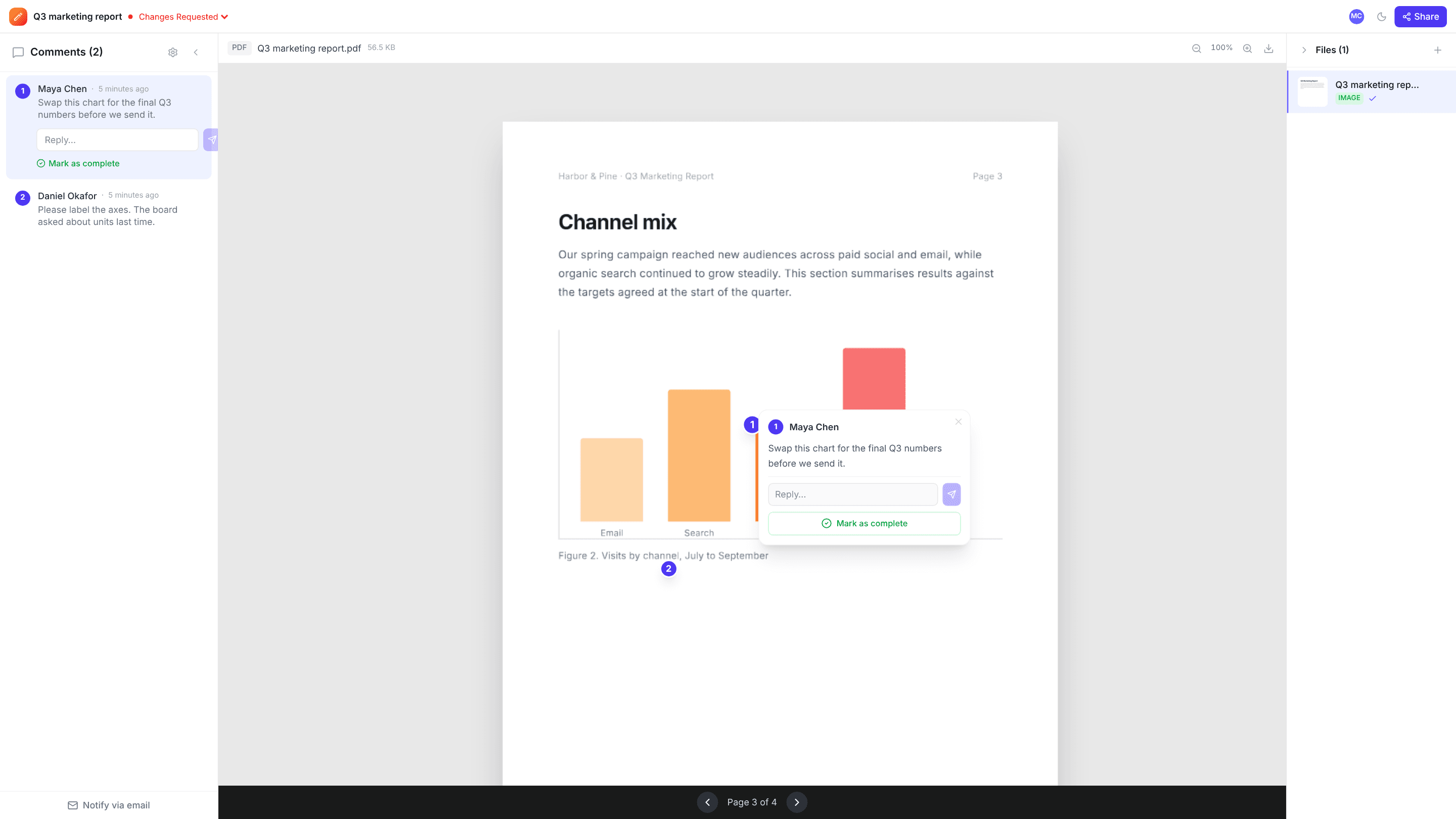
Before a deck goes to investors or a client, it needs fresh eyes from teammates, advisors or co-founders. Export it as a PDF, share a link, and each reviewer points at the exact chart, number or line they’d change.
Export from PowerPoint, Keynote or Google Slides as a PDF · Free plan, no credit card
How it works
- 1
Export to PDF
In PowerPoint or Keynote use File › Export; in Google Slides use File › Download › PDF. Then upload the PDF.
- 2
Share with reviewers
Send a comment link to advisors, teammates or a client. They don’t need an account.
- 3
Tighten the story
Work through the comments slide by slide, reply where you disagree, and resolve each one as you fix it.
Why teams use edits.io for pitch deck review
Comments on the exact slide
Each comment records its page, so feedback on slide 4 shows on slide 4.
Point at the number
Reviewers click the exact figure, chart or headline, so “the second chart” needs no explaining.
One list from everyone
Advisors’ and teammates’ comments land in one place, not scattered across emails and chat.
No account for reviewers
Reviewers open the link, type their name and start commenting.
Review together
Live avatars show who else has the deck open, and new comments appear for everyone instantly.
You control the link
Share view-only or with comments, and turn the link off when the round is over.
Frequently asked questions
Can I upload a PowerPoint or Keynote file?+
Not directly. Export the deck as a PDF and upload that. Comments are pinned to each page of the PDF, which is one slide per page.
Do animations and speaker notes come through?+
No. A PDF shows each slide as a still page, so animations and transitions aren’t shown, and speaker notes only appear if your export includes them.
Who can see my deck?+
Only you, your teammates, and people you send a share link to. You can turn the link off at any time.
Is edits.io free?+
Yes. The free plan includes 3 GB of storage and 10 projects, with no credit card and no time limit. Pro is $19 a month and adds 250 GB of storage, unlimited projects and unlimited teammates.
Try it on your next review
Free for 10 projects and 3 GB of storage. Reviewers never need an account.
Create a free account