Approvals for listing photos, floor plans and videos
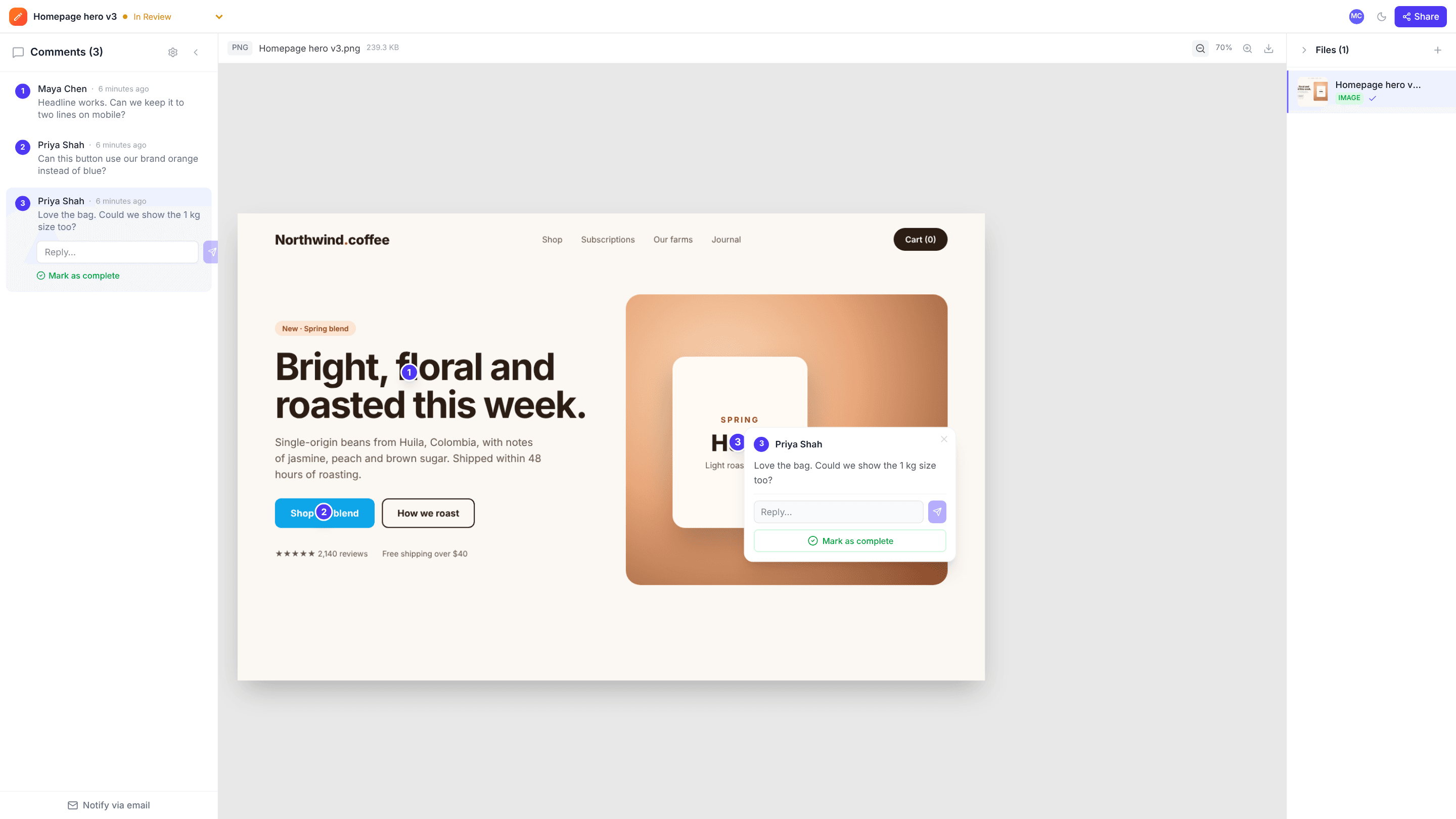
Upload the listing photos, the floor plan and the property video, and send the agent one link. They point at the exact thing to fix, from a lamp left on to a room label on the plan, before the listing goes live.
The problems it solves
Tight turnarounds
Agents can review on their phone from a link, with no account to set up.
Mixed media per listing
Photos, plan PDFs and videos for one property live in one project.
Precise fixes
Pins on photos and timestamped comments on video mean each fix is clear.
How it works
- 1
Upload the listing set
Photos, floor plans and property video in one project.
- 2
Agent and seller review
They comment on the exact spot or moment.
- 3
Fix and approve
Resolve, re-upload and mark the listing Approved.
Frequently asked questions
Can agents review on their phone?+
Yes. The review link works in a mobile browser.
Can I review a property video?+
Yes. Comments on video are saved with the timestamp and the spot on the frame.
Can I resize photos for listing portals?+
Use the free resize and compress tools to export images at the size each portal asks for.
Free templates and tools
Client feedback request email
Ask a client for clear, specific feedback by a deadline.
Final approval email
Get a clear, written sign-off before print, launch or delivery.
Feedback reminder email
Chase overdue client feedback without sounding pushy.
Resize image (free tool)
Change an image’s width and height in pixels or by percentage.
Compress image (free tool)
Shrink JPG, PNG and WebP file sizes with a quality slider and live savings.
Try it on your next review
Free for 10 projects and 3 GB of storage. Reviewers never need an account.
Create a free account